Public media guide
Understanding Video Container Formats: MP4, WebM, MKV, and MOV Demystified
Containers vs codecs: learn how ISO Base Media File Format (MP4), Matroska (MKV), WebM, and Apple QuickTime (MOV) multiplex video, audio, subtitles, and chapter metadata.
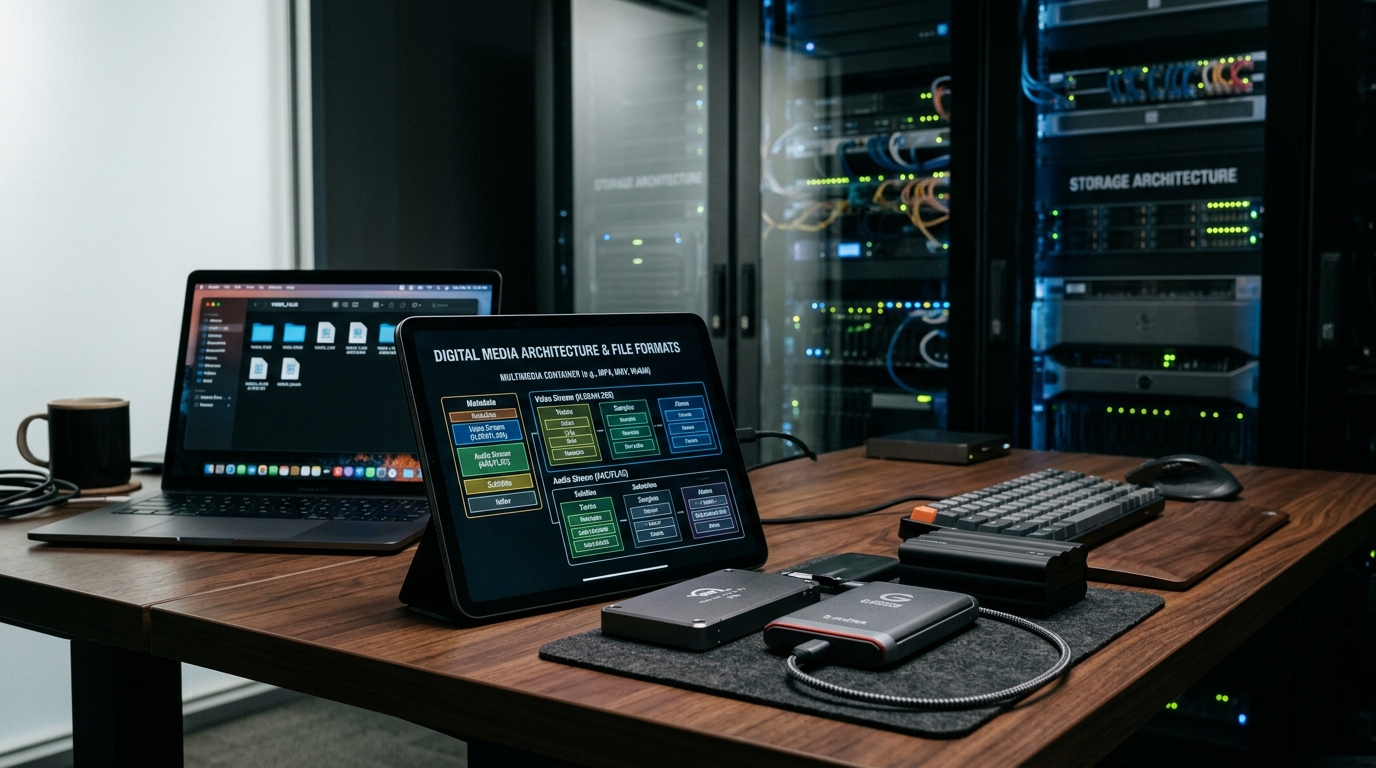
One of the most frequent misconceptions in digital media engineering is conflating video containers with video codecs. Users frequently describe a file as an "MP4 video" without realizing that MP4 is simply an envelope holding distinct elementary streams—potentially an AV1 or H.264 video track, an AAC or Opus audio track, and timed subtitle text.
A container format is a standardized file specification responsible for interleaving (multiplexing) time-synchronized streams, providing random-access indexing tables, storing colorimetry and aspect ratio flags, and defining chapter boundaries.
Choosing the appropriate container impacts browser compatibility, seek latency, fault tolerance during recording, and streaming fragmentation across Content Delivery Networks (CDNs).
This guide breaks down the four dominant container formats in production today: MP4 (ISO/IEC 14496-14), WebM, Matroska (MKV), and Apple QuickTime (MOV).
1. The Anatomy of ISO Base Media File Format (MP4)
The MP4 format is derived directly from Apple QuickTime and formalized under ISO/IEC 14496-14. It organizes media data into hierarchical data chunks known as "boxes" or "atoms". Each box begins with an 8-byte header specifying its size and 4-character code (FourCC). Crucial boxes include ftyp (file type compatibility), moov (metadata and timing index), and mdat (raw multiplexed audio and video payload).
- The moov Atom: Contains trak sub-atoms defining duration, timescale, and sample tables (stbl) mapping timestamps to byte offsets.
- FastStart / Progressive Web Playback: If the moov atom is at the end of the file, web browsers must download the entire file before playback starts. Moving moov to the beginning via qt-faststart enables instantaneous playback.
- Fragmented MP4 (fMP4): Splits video into moof (movie fragment) and mdat pairs, forming the building blocks of HLS and MPEG-DASH streaming.
2. Matroska (MKV) & WebM: The EBML Architecture
Matroska is an open-standard multimedia container based on Extensible Binary Meta Language (EBML), a binary derivative of XML. Unlike the rigid box structure of MP4, EBML permits arbitrary nesting of data elements and robust resilience against file corruption: if an MKV recording is interrupted, all data written up to the crash point remains readable.
- WebM: In 2010, Google introduced WebM as a restricted profile of Matroska designed strictly for web browsers, restricting video to VP8/VP9/AV1 and audio to Vorbis/Opus.
- Extensibility: MKV supports an unrestricted variety of codecs, including lossless FLAC, ALAC, DTS-HD Master Audio, and SSA/ASS styled subtitles.
- Limitation: Native web browser media engines generally do not support arbitrary MKV playback outside WebM containers.
3. QuickTime (MOV) in Professional Video Workflows
Apple QuickTime MOV serves as the industry standard for production and non-linear editing. While sharing architectural DNA with MP4, MOV files support uncompressed PCM audio, 12-bit Apple ProRes 4444 XQ video streams, alpha channel transparency, and broadcast timecodes required in DaVinci Resolve, Final Cut Pro, and Adobe Premiere.
- ProRes & Alpha Channels: Unlike standard MP4, MOV natively packages transparency masks and mastering color spaces.
- Interchange Standard: Widely used in studio camera acquisition (ARRI, Blackmagic, RED) and mastering delivery.
Format & Use Table
| Feature | MP4 (MPEG-4 Part 14) | WebM (Google/AOMedia) | MKV (Matroska) | MOV (QuickTime) |
|---|---|---|---|---|
| Underlying Syntax | ISO Atoms / Boxes | EBML (Binary XML) | EBML (Binary XML) | QuickTime Atoms |
| Primary Codecs | H.264, HEVC, AV1, AAC | VP9, AV1, Opus | Any (H.264/5, AV1, ProRes) | ProRes, H.264, PCM |
| Universal Browser Support | 100% across all engines | 98% (Chrome, Edge, Safari) | No (Requires WebM) | Safari / macOS only |
| Crash Resilience | Low (unless fragmented) | High | Very High | Low (unless fragmented) |
| Subtitle Capability | WebVTT, Timed Text | WebVTT | ASS/SSA, PGS, SRT, VobSub | QuickTime Text, CEA-608 |
| Best Use Case | Web distribution, OTT streaming | Royalty-free HTML5 video | Media archiving, home theater | Professional studio editing |
Step-by-Step Workflow
Inspect container structure: ffprobe -v error -show_format -show_streams file.mp4
Remux MKV to MP4 without re-encoding: ffmpeg -i input.mkv -c copy -movflags +faststart output.mp4
Optimize MP4 for instantaneous web streaming: ffmpeg -i input.mp4 -c copy -movflags +faststart web_ready.mp4
Remux to WebM container: ffmpeg -i input.mp4 -c:v copy -c:a libopus output.webm
Check atom placement: Use MP4Box or ffprobe to confirm the moov box is positioned at the start of the file.
Frequently Asked Questions
Does remuxing a video from MKV to MP4 reduce video quality?
No. Remuxing using "-c copy" in FFmpeg simply copies the underlying compressed bitstream from one container to another without re-encoding a single pixel. It is 100% lossless and takes only seconds.
Why do my downloaded MP4 videos take several seconds to begin playing on the web?
This typically occurs when the "moov atom" (the index table) is positioned at the end of the file. Applying "-movflags +faststart" moves the moov atom to the front, allowing browsers to start playback immediately while streaming.
Can an MP4 container hold AV1 video and Opus audio?
Yes. ISO Base Media File Format formally supports AV1 (FourCC: av01) and Opus audio (FourCC: Opus), which is widely supported in modern browsers and operating systems.